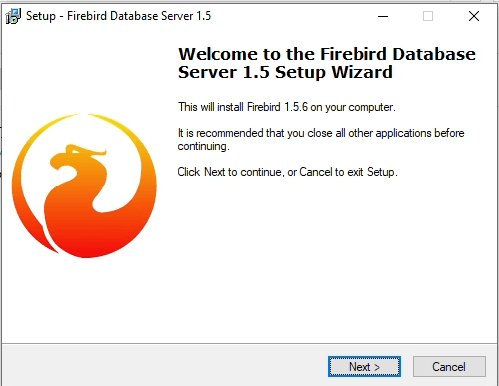
Installing FireBird 1.5 on Windows 11
Recently, I needed to install Firebird 1.5 on a new workstation running Windows 11. The machine it replaced was over ten years old and still running Windows 7, so this upgrade introduced a few compatibility challenges.
When attempting to run the original installer: Firebird-1.5.6.5026-0-Win32.exe Windows 11 immediately displayed the following error:
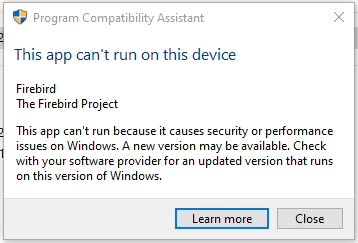
Windows 11 blocks the installer with the message: “This app can’t run on this device.” This appears to be a compatibility check triggered by the executable’s filename rather than an actual incompatibility.
To circumvent this restriction, rename the installer file from Firebird-1.5.6.5026-0-Win32.exe to anything, for example: setup.exe. After renaming, the installer launches normally: